Awesome Browser Extensions
We all use browsers, don’t we? Whether it is to search for information through a search engine or convert our images to PDF or for basically anything. It lets us take advantage of the internet by accessing the World Wide Web in a sandbox environment.
There are various browsers and they come with their own customizations and UI. But what if we don’t want to be at the mercy of browsers to bring those functionalities at your primary browsers and just want it anyhow. That’s where these extensions come in. They are called extensions in chromium-based browsers and add-on in firefox-based browsers. I will refer to them as extensions here. I use extensions and i like some of them enough to share with others so i am mentioning by favorite ones here.
Now, before moving to the list let’s discuss the most obvious one. I am not including it on the list because it deserves its own tier. For anyone who couldn’t guess it by now, I am talking about uBlock Origin. This not only blocks ads but also blocks trackers, miners and malware sites. It’s a must-have for privacy and security reasons.
Contents
- SingleFile
- Behind the Overlay
- Buster
- Video DownloadHelper
- Network Activity Logger
- Measure-it
- GoFullPage
- User-Agent Switcher and Manager
- ArchiveWeb.page
- NoScript
- Greasemonkey
- Translate Web Pages
- Don’t Fuck With Paste
SingleFile
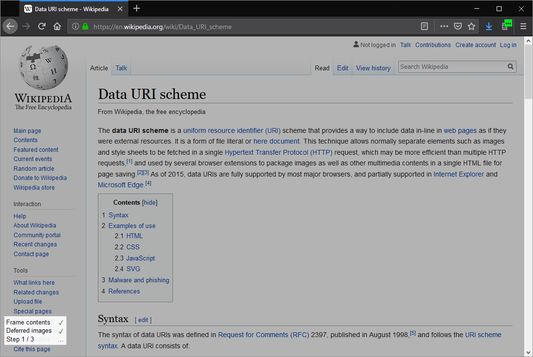
Ever felt that frustration when the site you wanna visit is down or that page removed or your internet is not working? Then there comes this extension to rescue. This extension saves your page that is currently rendered in tab into single html file and it contains all css, fonts,images,etc. There are other ways to save pages too like using ctrl+s but this is not same. Saving page directly just download html and all assets which we get when we visit the site. If site loads content dynamically by fetching data from remote resource then ctrl+s wont help much there.
Singlefile can be used to save your favorite blogs or the content, we want to have access forever. It is also a safer way to access content later too as it dont save any javascript. It is not good for purposes for saving sites that have functionality and highly relies on js, its main use is for reading the loaded content not for cloning site. There is another extension called SingleFileZ which saves page in self extracting zip file and is also a html file too means it can be opened simply as html file or can be extracted too for accessing assets.
Links
Behind the Overlay
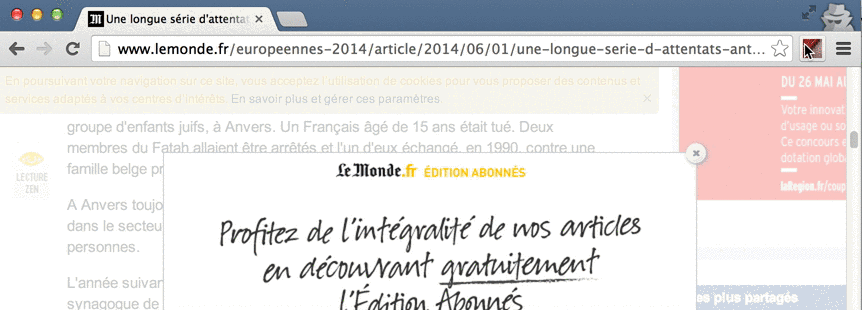
Annoying popups can ruin the mood especially when their is no noticable close button or site requires to signin in order to view page. Just with a click of button of this extension, all these overlays are gone. Sometimes it breaks the site too if site requires us to interact with popup to let us access the content.
Links
Buster: Captcha Solver for Humans
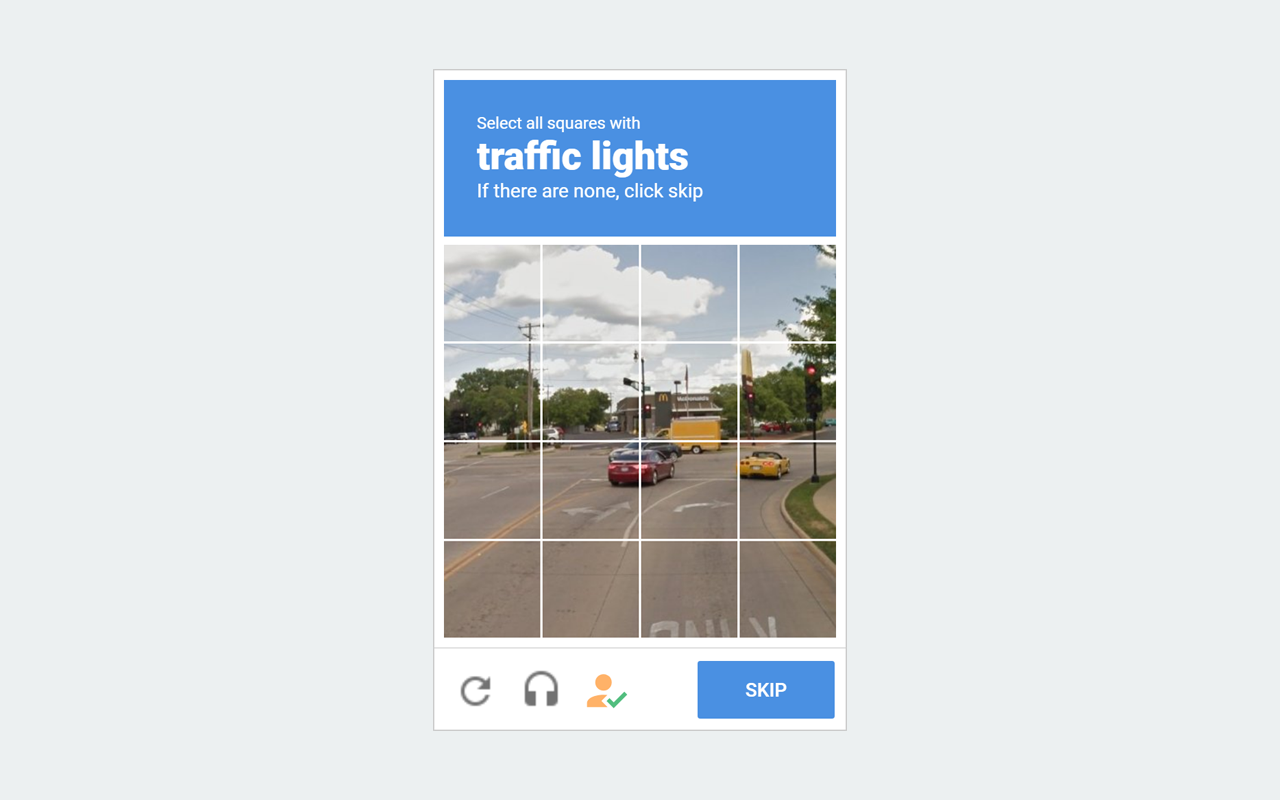
When surfing the internet, we have to solve captchas to prove that we are not bots and they are kinda necessary too to prevent ddos attacks or server overload so humans don’t have to face server outages but there is one captcha service provided by Google called reCAPTCHA which is huge pain to deal with and solving them feels very ambigious especially when we have to select parts of one image. Due to its popularity, many other websites uses it too and it can be a dealbreaker for humans who can’t solve those notorious captchas.
Buster extension changes the puzzle to audio one and complete it for us using speech recognition. I started using it when suddenly I was facing these reCAPTCHAS every 15 minutes in librewolf.
Links
Video DownloadHelper
When HTML5 was intoduced in 2013, many were excited for its new features, one of them was video element. It is basic, simpler and most importantly allow users to download videos too but with time many sites started started developing their own custom components for video streaming for more features. One of them was stop users downloading the video too.
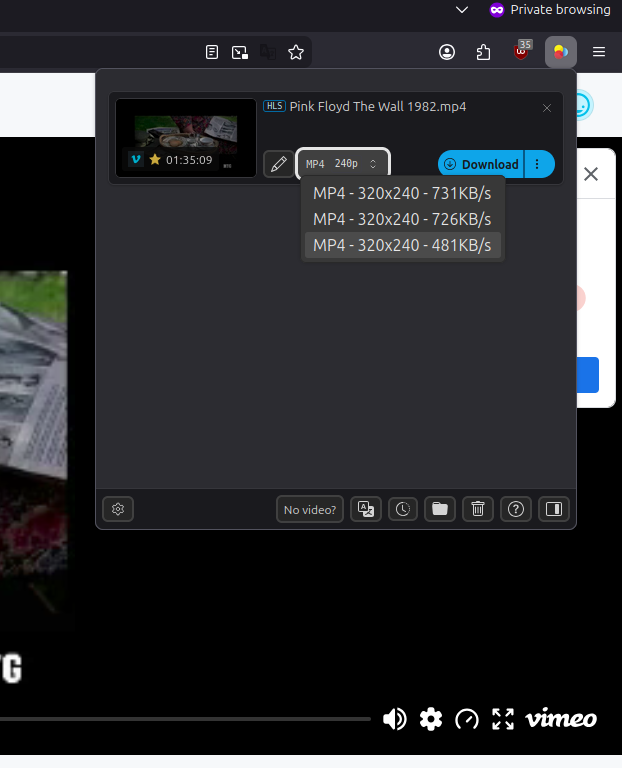
This extension detects streaming media and allow users to download them. This extension is proprietary and have limits on free tier but it is still generous enough. If proprietary extension is dealbreaker then there is another one ie HLS Downloader. I haven’t used this one and just did a google search :-) to find this
Links
Network Activity Logger
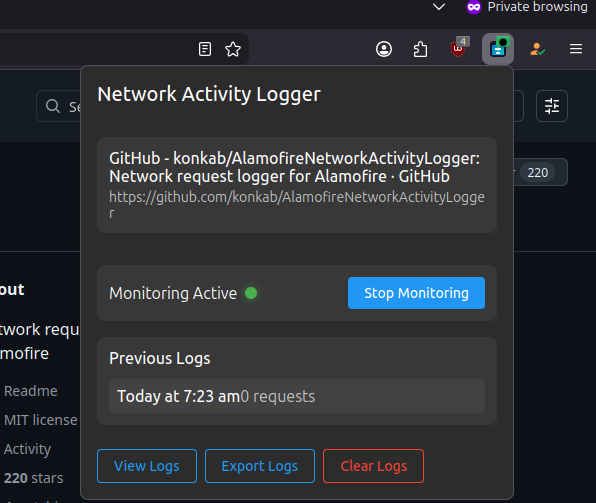
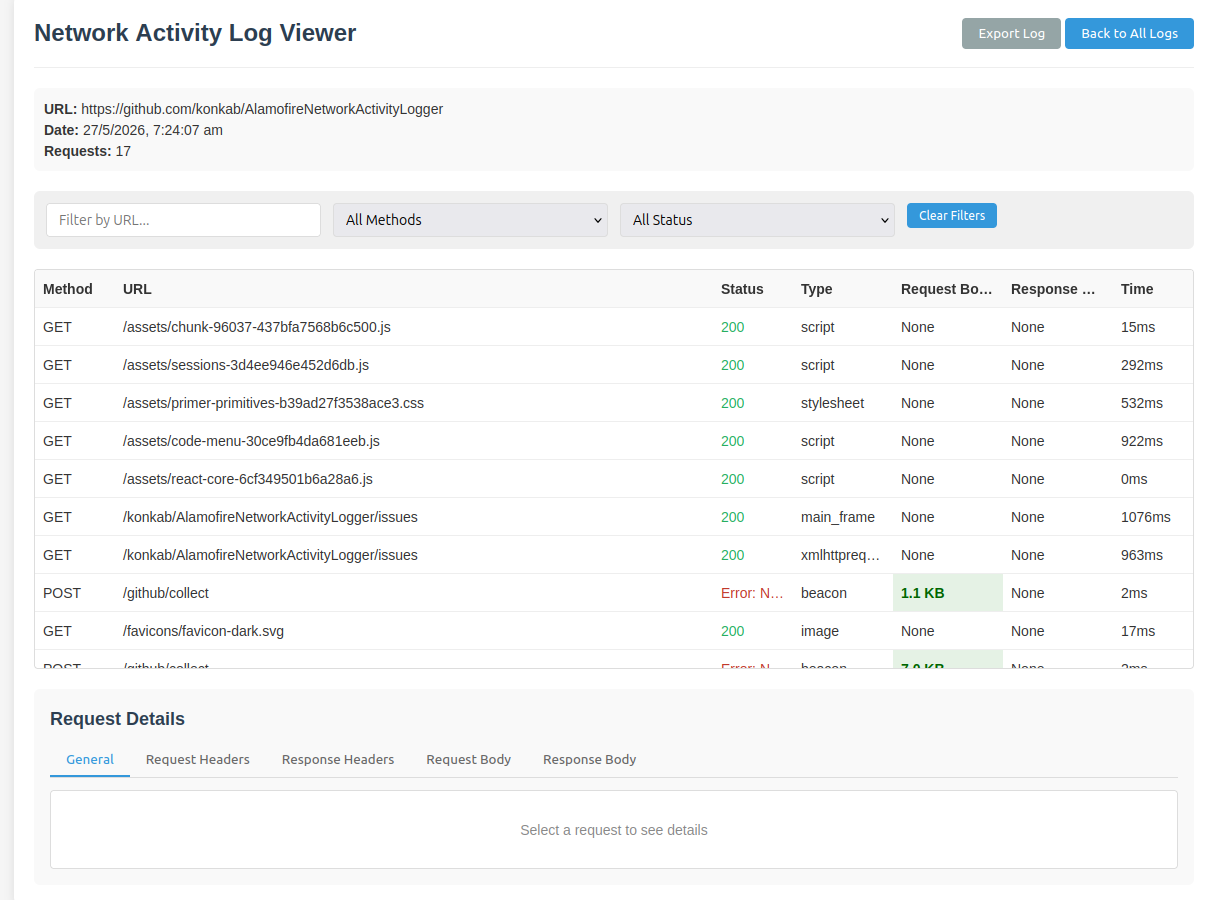
Browser have dev tools to inspect traffic too but it is interactive and sometimes we wanna log them too so this extension logs all the requests and save it in indexdb. I couldn’t find the source code of this extension though and is availble for firefox only.
Links
Measure-it
A useful tool for front-end developer to check width, height and alignment

Links
GoFullPage - Full Page Screen Capture
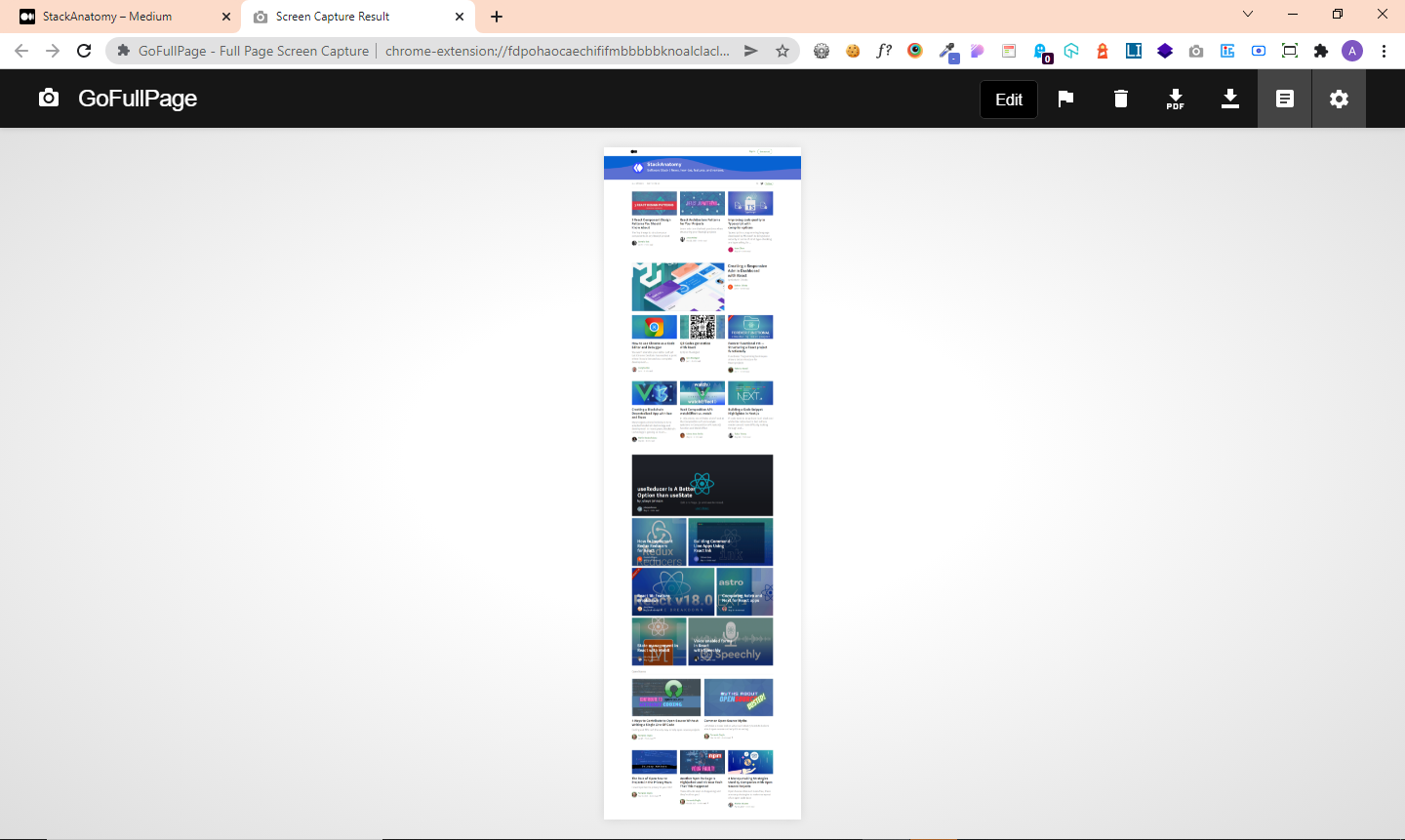
There are so many ways to take a screenshot in PC but only limit is the screen. What if we wanna take screenshot of whole page and it needed to be scrolled down too. If done manually then multiple screenshots needed to be taken place and its cuberscome too so this extension does all that and is simple and effective. It is available for chromium browsers only. Firefox have this feature inbuilt ie by using context menu. For more advanced features use Fireshot. This one is proprietary though.
Links
User-Agent Switcher and Manager
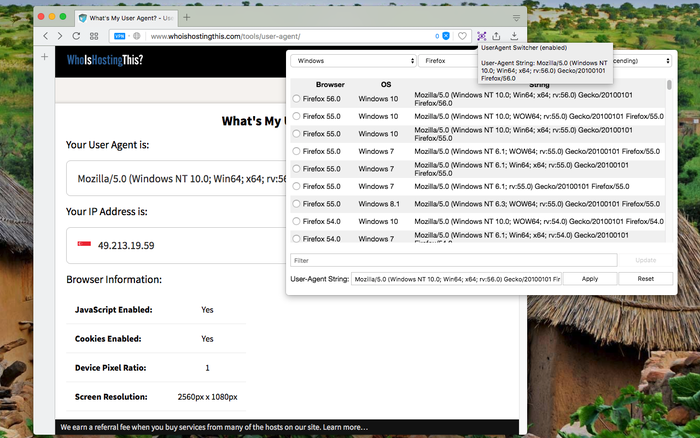
User agent is useful header information which browser send to the site and it contains browser name, version , OS and device. That’s how websites know what device and browser we are using and is useful to serve content on basis of that like mobile view for mobile browsers, or offering binaries to download depending on the device.
But what if we wanna send something else and wanna spoof it? Sometimes when we wanna load mobile view into desktop or for testing or to simply resist one factor of fingerprinting.
Links
ArchiveWeb.page
First web page was released to public in August 1991 by Tim Berners-Lee at CERN. Since then web evolved and now there billion of websites but not all these sites are active. We humans love to have an archive so we can remember the past and also use for analysis, evidence, etc. Wayback machine is the digital archive for it and is equivalent to Library of Alexandria.
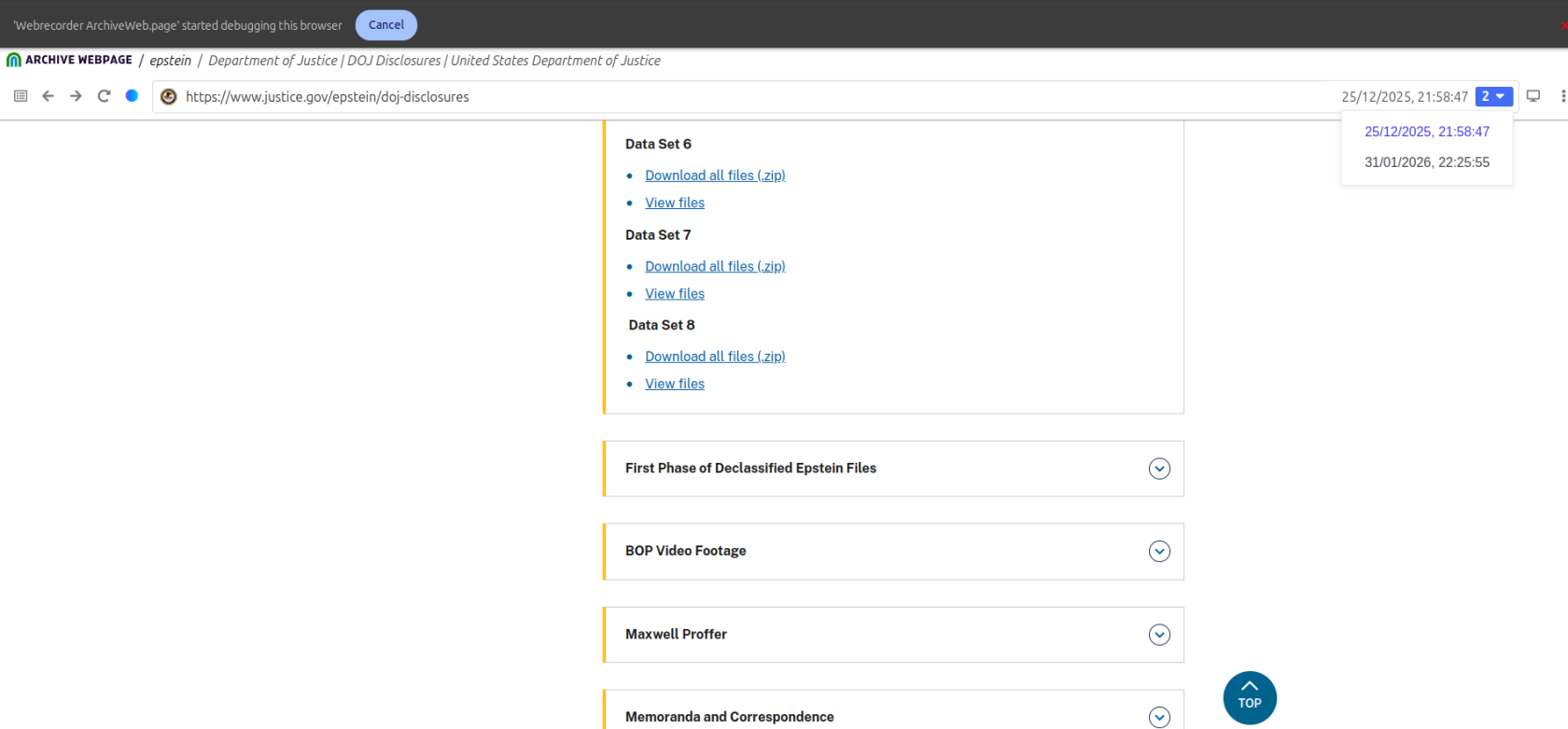
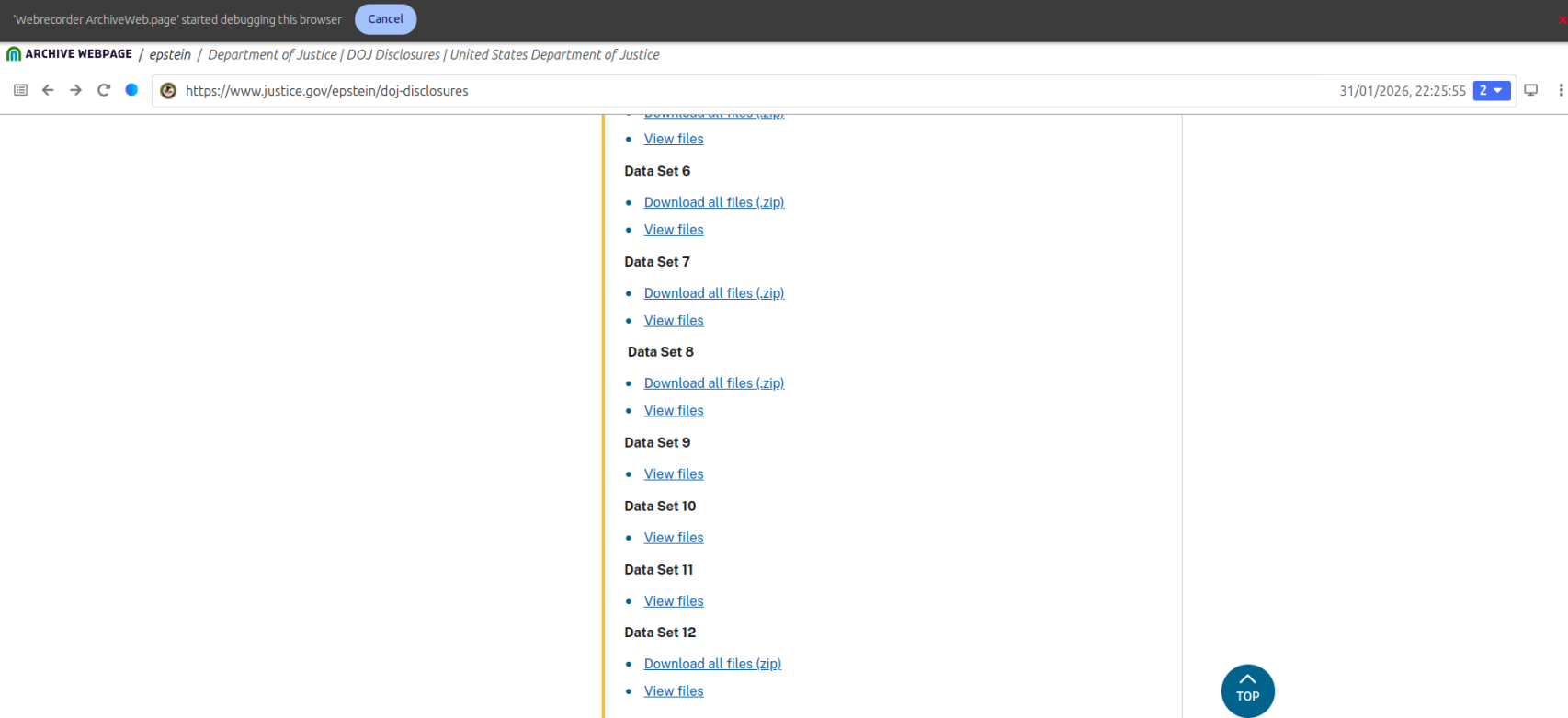
But what if we want such thing of our own. This extension acts like internet archive but fully local and is useful for taking snapshots of sites and also preserve headers and request info too. Use it for evidence or for accessibility if site is down. Warc file can be downloaded too for exporting purposes. Only caveat is that is only for chromium browsers.
changes in site after some time can be noticed with snapshots
Links
NoScript
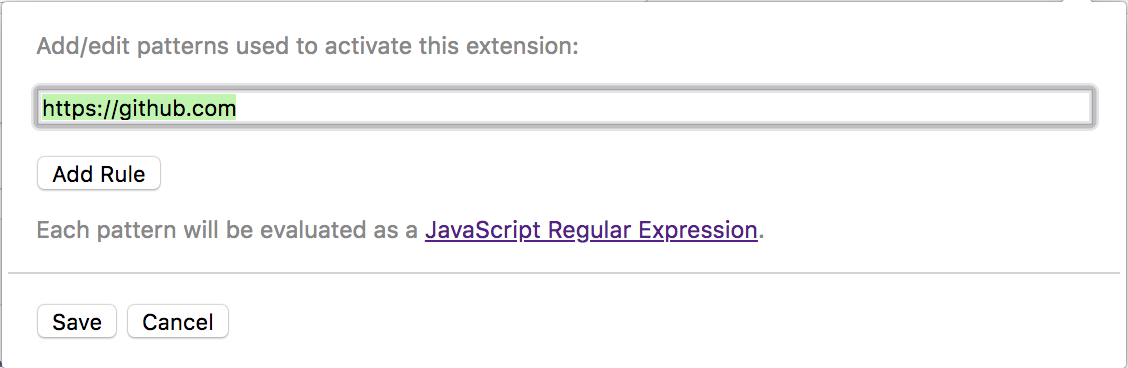
Website is not only html and css but media, animations, javascript,etc. Sometimes a site can be bloated or unoptimised and some scripts can spike cpu usage or can be malicious. NoScript let users block many parts of site. Can be used to test how a site perform with such restrictions too.
It have its caveats too like being non iniutive and requires some experience to use properly. Personally i dont use it as daily driver but sometimes for testing my site with no js rule or for some risky sites it is useful.
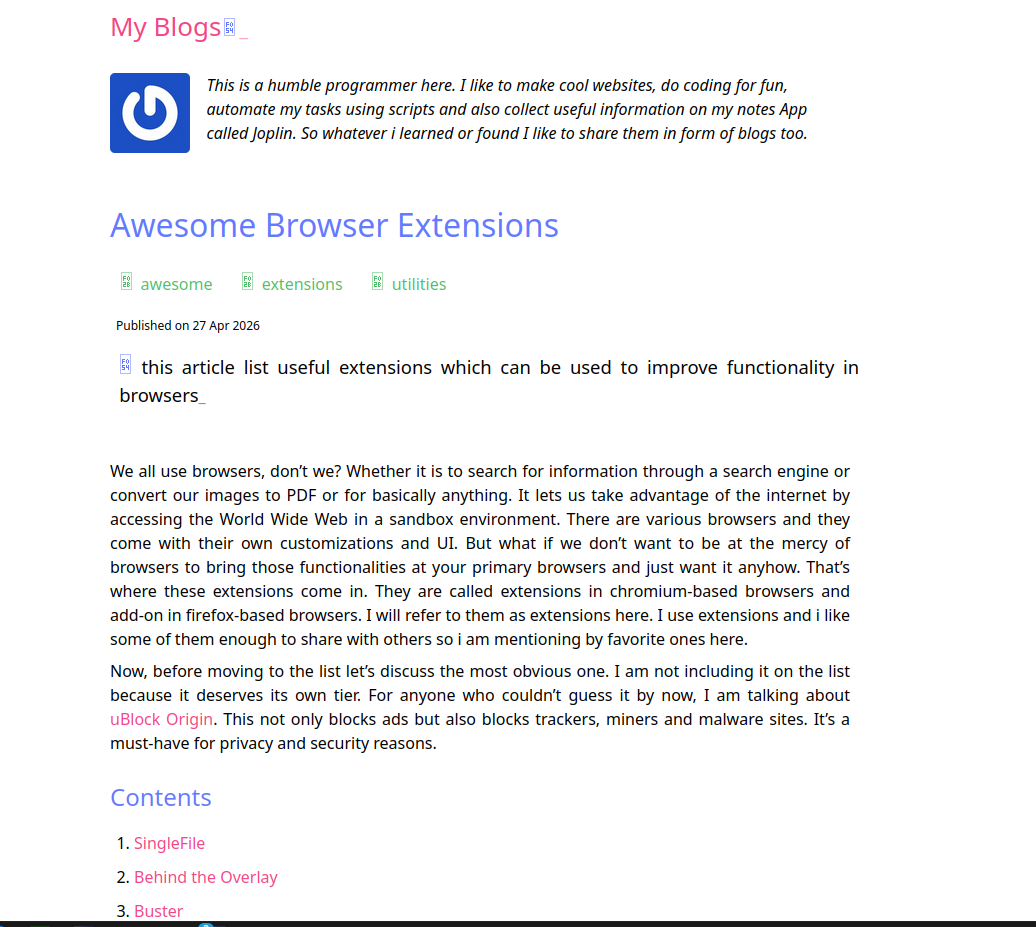
This blog page with NoScript enabled
Links
Greasemonkey
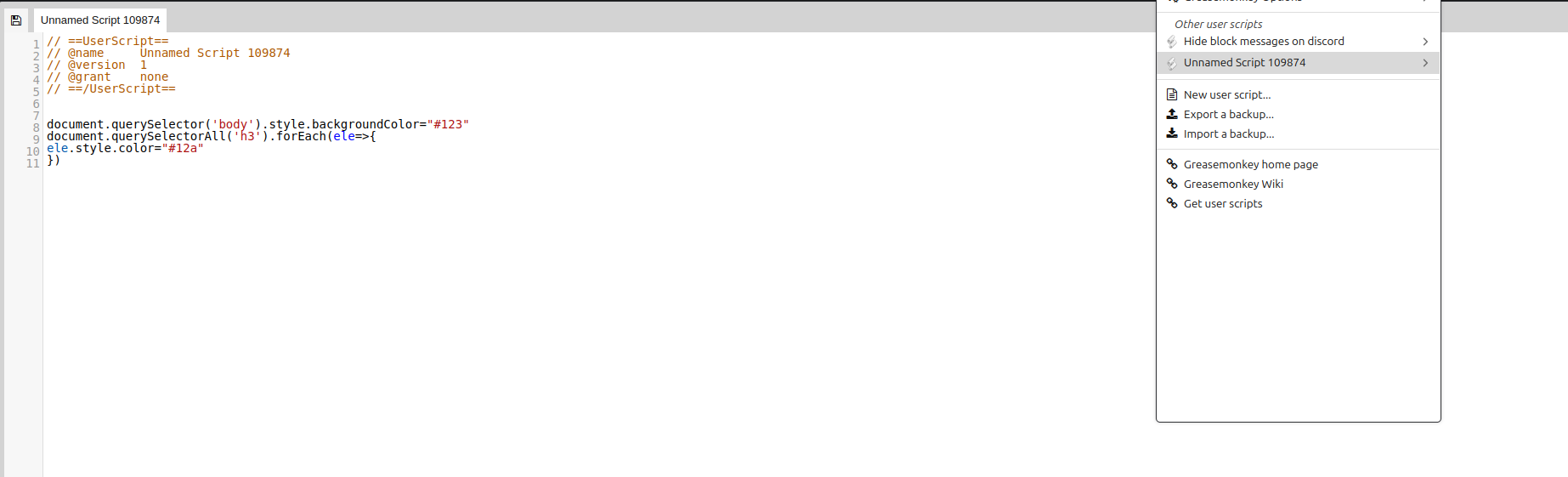
So far I have listed these extensions and one may hope to find the one which fulfills their use case. Maybe we are feeling lazy to develop whole extension just for basic things. This is where greasemonkey comes in. It is user script manager and many other scripts can be used made by others. I personally use it to use greasyfork scripts like ‘hide blocked messages’ for discord
One of caveat is that it is only available for firefox. For chromium there is Tampermonkey though it is closed source. One of open source alternative is Violentmonkey. Ya I know lot of monkeys here.
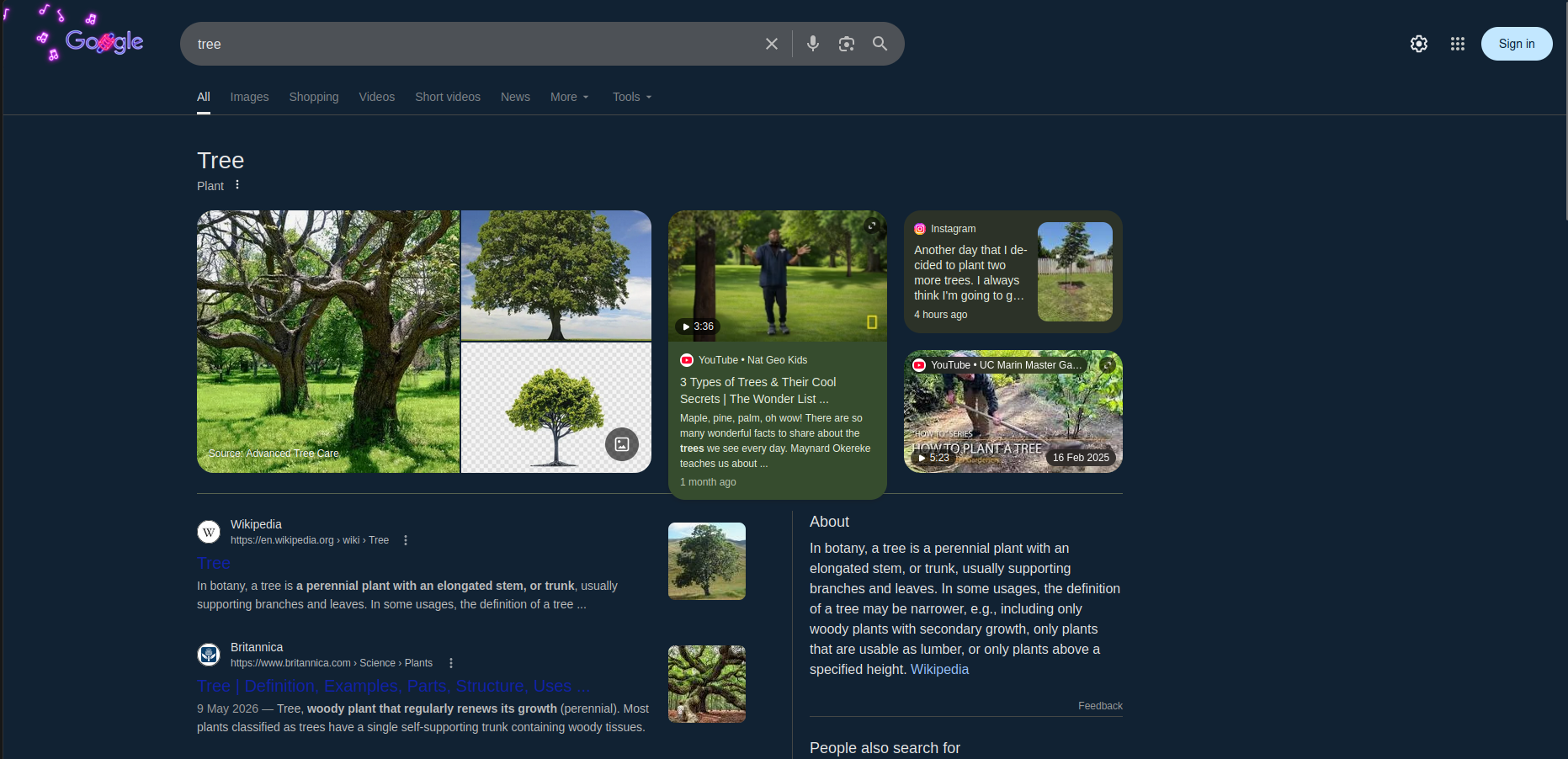
Simple script to change colors
Links
Translate Web Pages
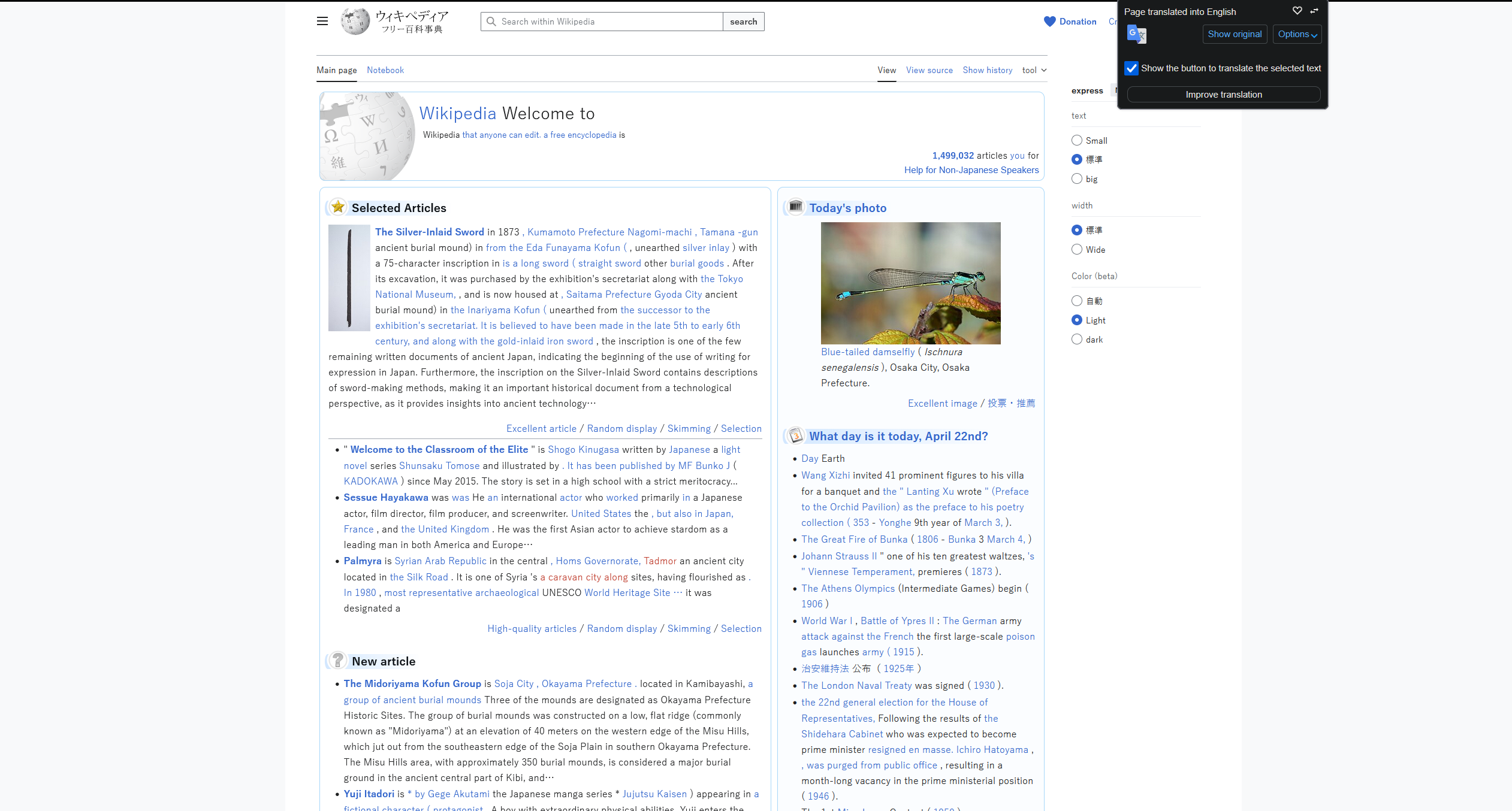
As of now I am writing this blog in english but not all content in the Internet is in English. It can be russian, spanish or chinese,etc. Language shouldn’t be a barrier to prevent accessibility for such sites. So to translate all that in real time this extension can be used. It uses bing, google or yandex.
I use it for translating non English articles or european or russian sites which dont have english support.
Links
Don’t Fuck With Paste
Sometimes there are sites which don’t let users paste the contents of clipboard which is annoying and unnecessary many times. In some of government sites and banking sites, it is highly restricted which can be problematic when we have to paste credentials or other data.
I use it for sites which block paste on login pages as i prefer using password managers. So called security step is actually a deterrent for users who prefer using password managers for managing strong passwords. Why would someone create a long and strong password if paste is disabled.